How to Check BISP Balance Online
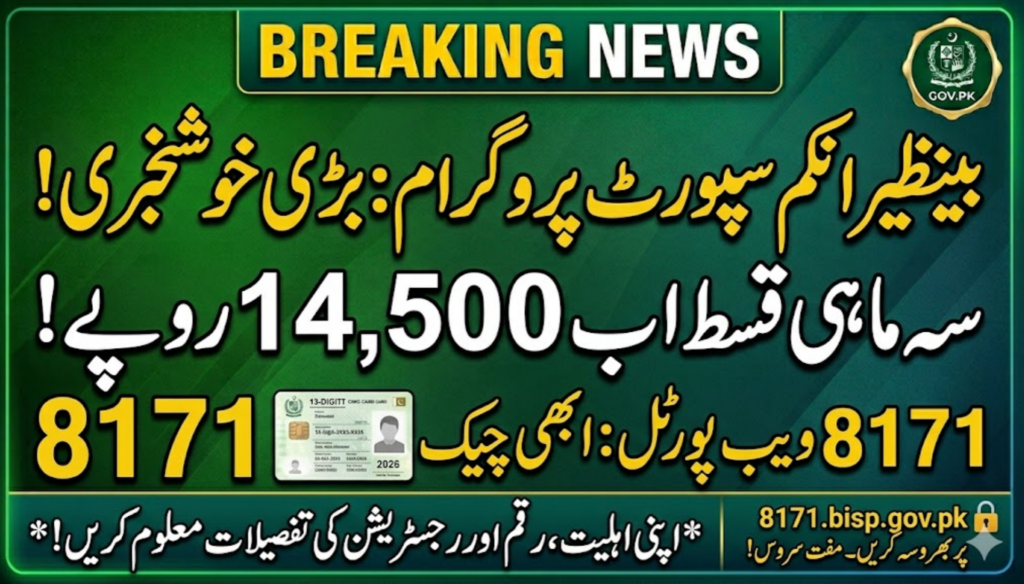
The Benazir Income Support Programme (BISP) is Pakistan’s largest social safety net, designed to provide financial assistance to low-income families. To improve transparency and accessibility, the government has introduced simple online and SMS-based systems so beneficiaries can check their payment status from home using their CNIC.
Why Checking BISP Balance Online Matters
BISP beneficiaries no longer need to visit offices or stand in long queues. With the online system, you can:
- Check your payment status instantly
- Verify eligibility for new installments
- View quarterly payment updates
- Track educational and stipend payments
Step-by-Step Guide to Check BISP Balance Online
Checking your BISP balance through the official web portal is simple and free.
Step 1: Visit the Official Web Portal
Open your mobile or computer browser and go to the official BISP 8171 Web Portal.
Step 2: Enter Your CNIC Number
Type your 13-digit CNIC number carefully in the input field without spaces or dashes.
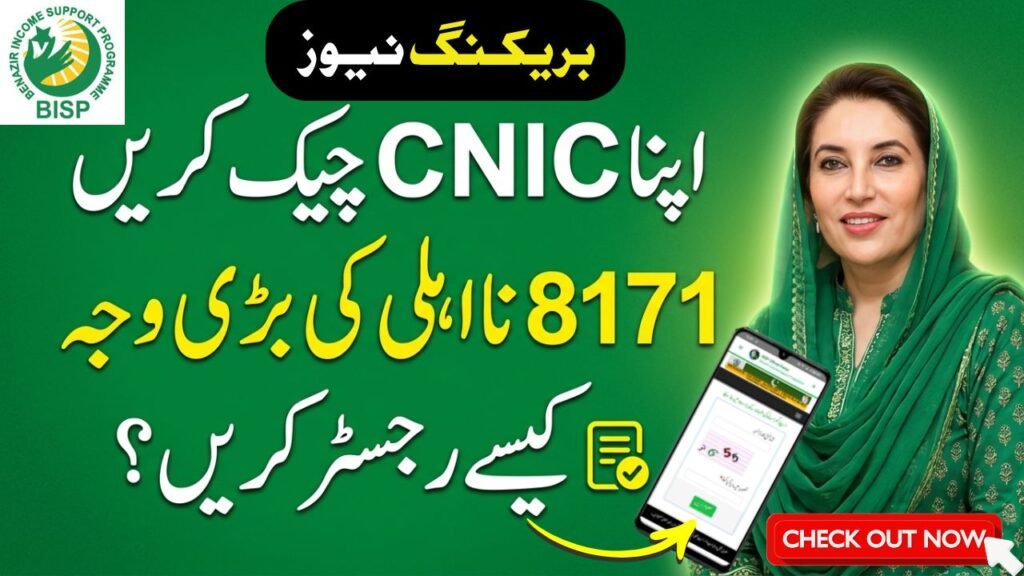
Step 3: Enter the Captcha Code
A security code (captcha) will appear on the screen. Enter it correctly in the required box.
Step 4: Submit Your Request
Click on the “Find Out” button to proceed.
Step 5: View Your Balance Status
The system will instantly show your:
- Payment status
- Eligibility details
- Latest installment information
Quick Reference: BISP Program Details & Payments
Benazir Kafalat Program
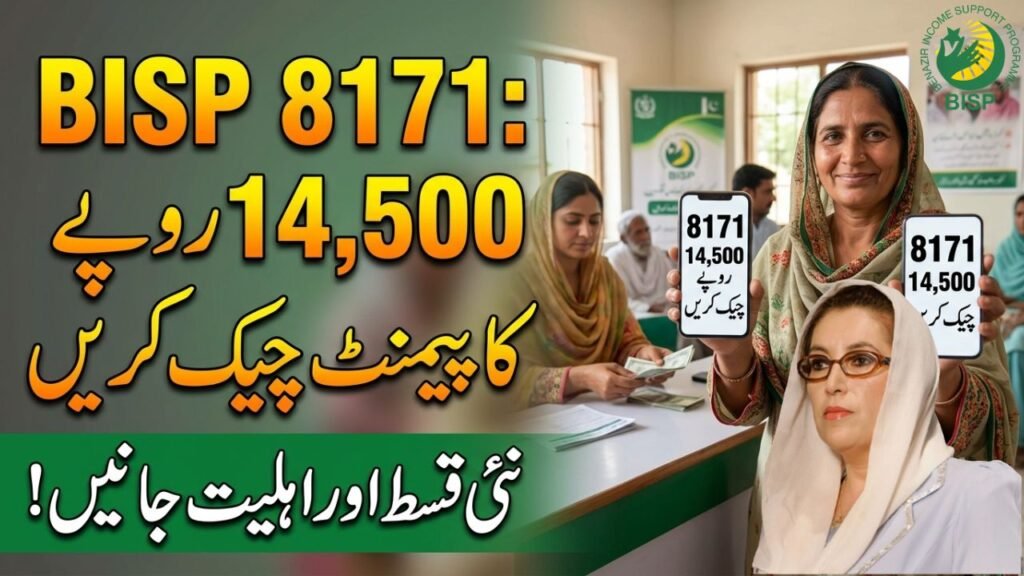
- Quarterly Installment (2026): Rs. 14,500
- Eligibility: Valid CNIC, PMT score below 32, low-income household
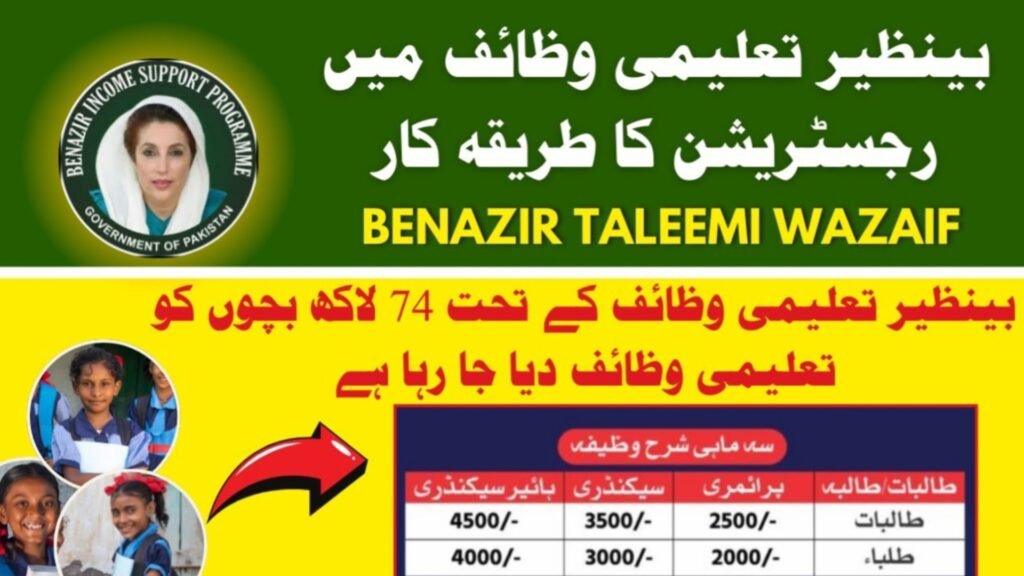
Benazir Taleemi Wazaif
- Boys: Rs. 3,500
- Girls: Rs. 4,000
- Requirement: 70%+ school attendance
Benazir Nashonuma Program
- Amount: Rs. 3,500
- Eligibility: Pregnant/lactating mothers and infants under 24 months
Alternative Method: Check BISP Balance via 8171 SMS
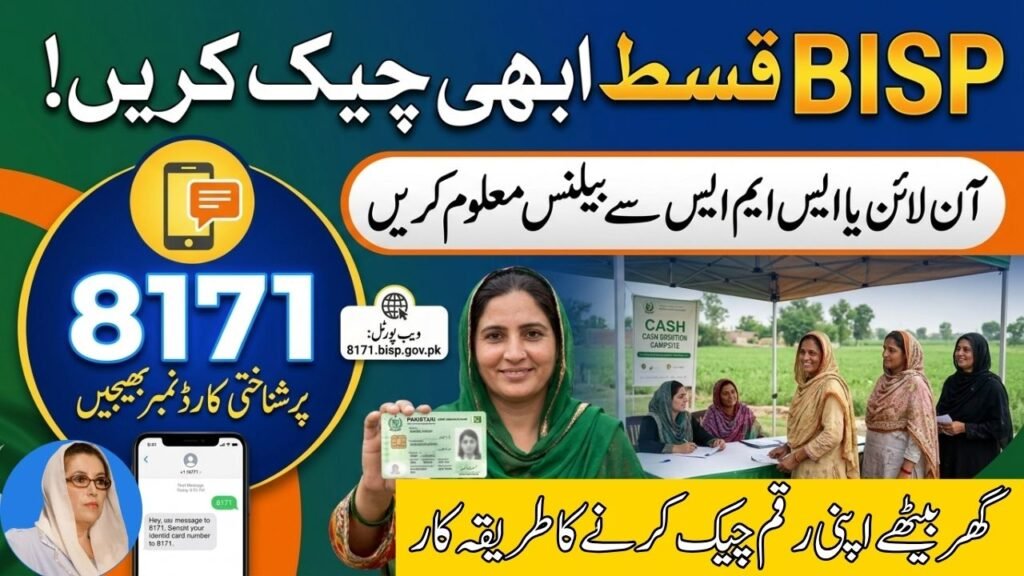
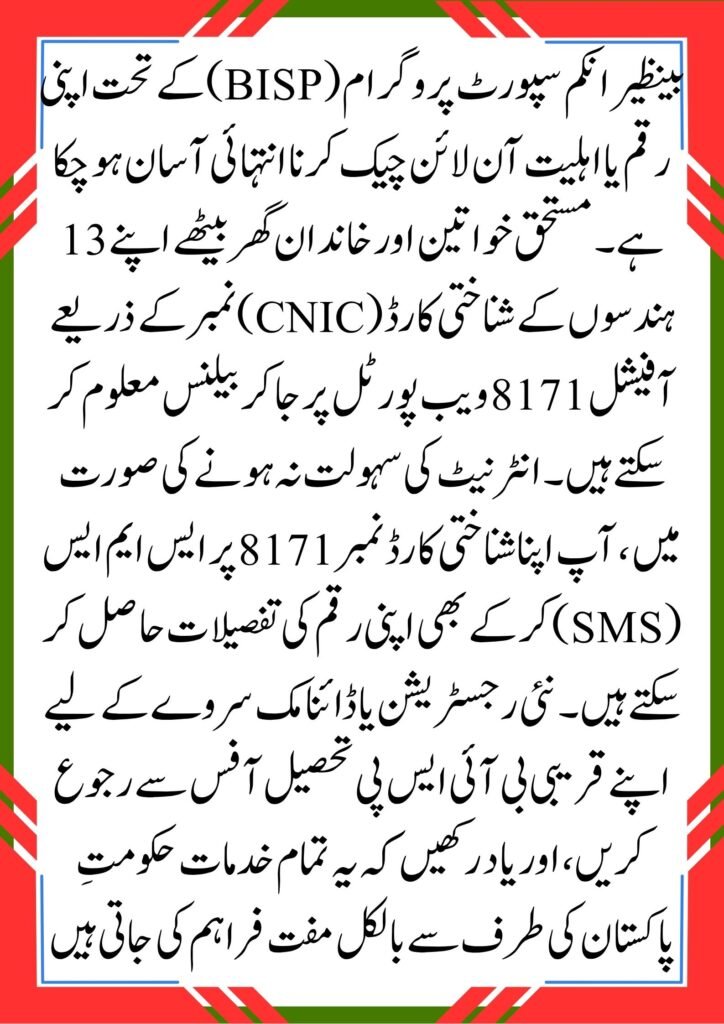
If you do not have internet access, you can use the SMS service:
How to Use SMS Service
- Open your mobile messaging app
- Type your 13-digit CNIC number
- Send it to 8171
- Wait for a reply from the official BISP system
You will receive your eligibility and payment status via SMS.
offichal website ; https://8171.bisp.gov.pk/
Important Guidelines for New Registration
If your record is not found or you are marked ineligible:
Visit BISP Tehsil Office
You must visit your nearest BISP office for registration or data update.
Required Documents
Bring the following:
- Original CNIC
- Children’s B-Form (if applicable)
- Household utility bill
Your data will be updated in the NSER (National Socio-Economic Registry) free of cost.
Frequently Asked Questions (FAQs)
1. Is checking BISP balance online free?
Yes, both the web portal and SMS service (8171) are completely free.
2. What if biometric verification fails?
If fingerprint verification fails, visit your nearest BISP Tehsil office for re-verification or alternative payment methods.
3. How often are BISP payments issued?
Payments are distributed every three months (quarterly) according to the government schedule.
Conclusion
The BISP CNIC balance check system makes it easy for beneficiaries to track payments without visiting offices. Whether you use the 8171 web portal or SMS service, the process is fast, simple, and accessible for everyone across Pakistan.